Team inbox
One inbox, sorted by who has to act.
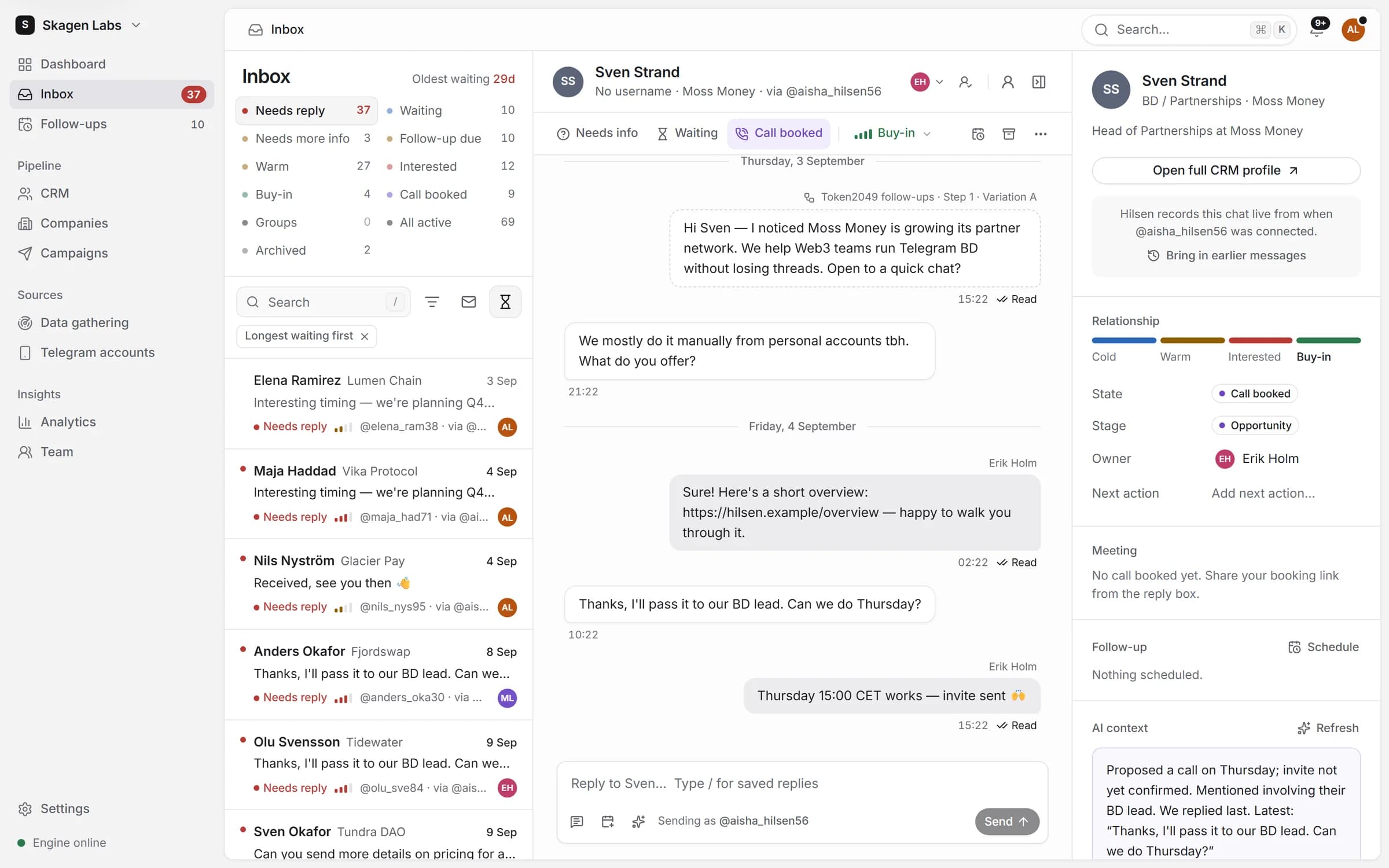
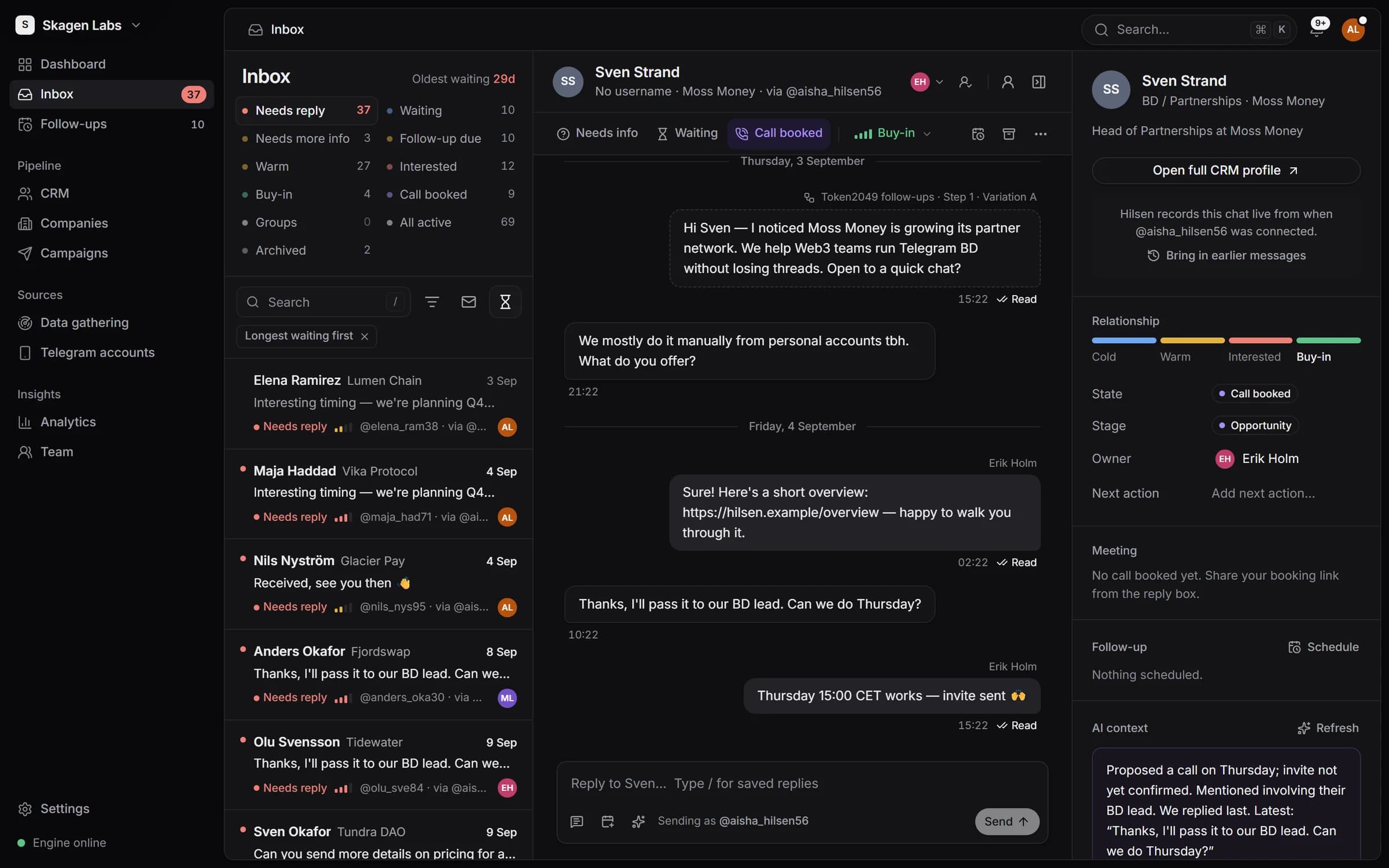
Replies from every Telegram account land in one list, sorted by who has to act. Your team answers from Hilsen through the account that owns each conversation.
Views
Who has to act, at a glance
Needs reply, Waiting, Needs more info and Follow-up due, then by temperature from Cold to Buy-in. Sort by who has waited longest. A new reply brings an archived conversation straight back.
Replying
Answer from Hilsen, through the right account
The right account
Your reply goes out through the account that owns the conversation, within seconds. “Open in Telegram” is one click away.Saved replies
Type / in the reply box for the answers your team gives every day.Keyboard first
j and k to move through the list, r to reply, e to archive.
Team
Built for more than one person
Every reply gets an owner by your rules: keep the current owner, give it to the campaign’s owner, share it round-robin or leave it for someone to pick up.
- See who is viewing or replying in each conversation.
- A warning before two people answer the same lead.
- @mention a teammate in a note.
- First-response time and replies answered within your target (4 hours by default) for each person.
AI context
The thread, summed up
Each conversation gets a short summary with a suggested temperature, state and next step. Apply it in one click or ignore it. It never overwrites what you set.
Bookings
A booked call updates itself
Each teammate connects Calendly or Cal.com. The link Hilsen shares is tracked, so when the lead books, they move to Call booked, automated steps stop and the owner is told. If they cancel, Hilsen adds a follow-up to reschedule.
Dashboard
Your day opens on who’s waiting
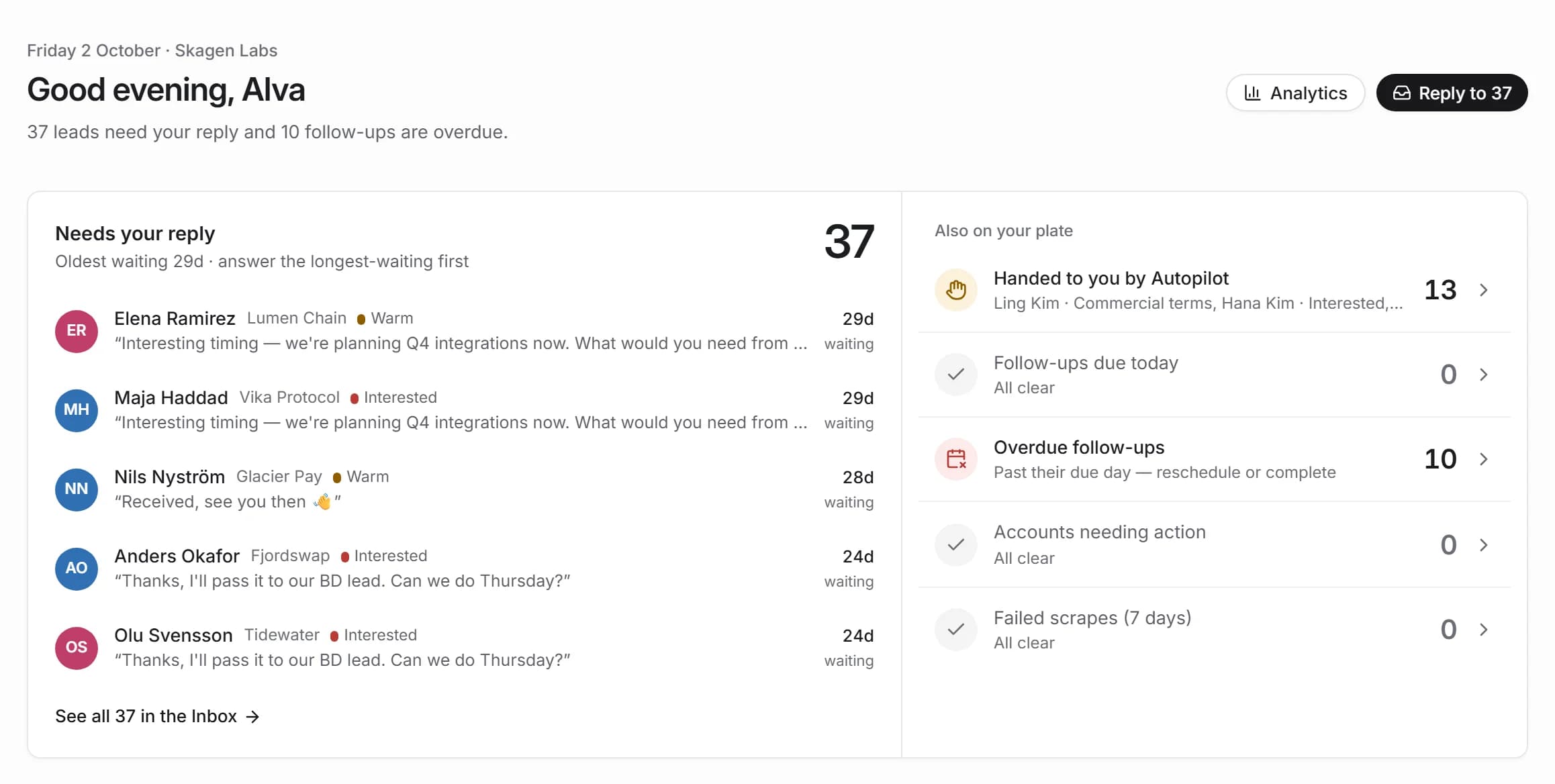
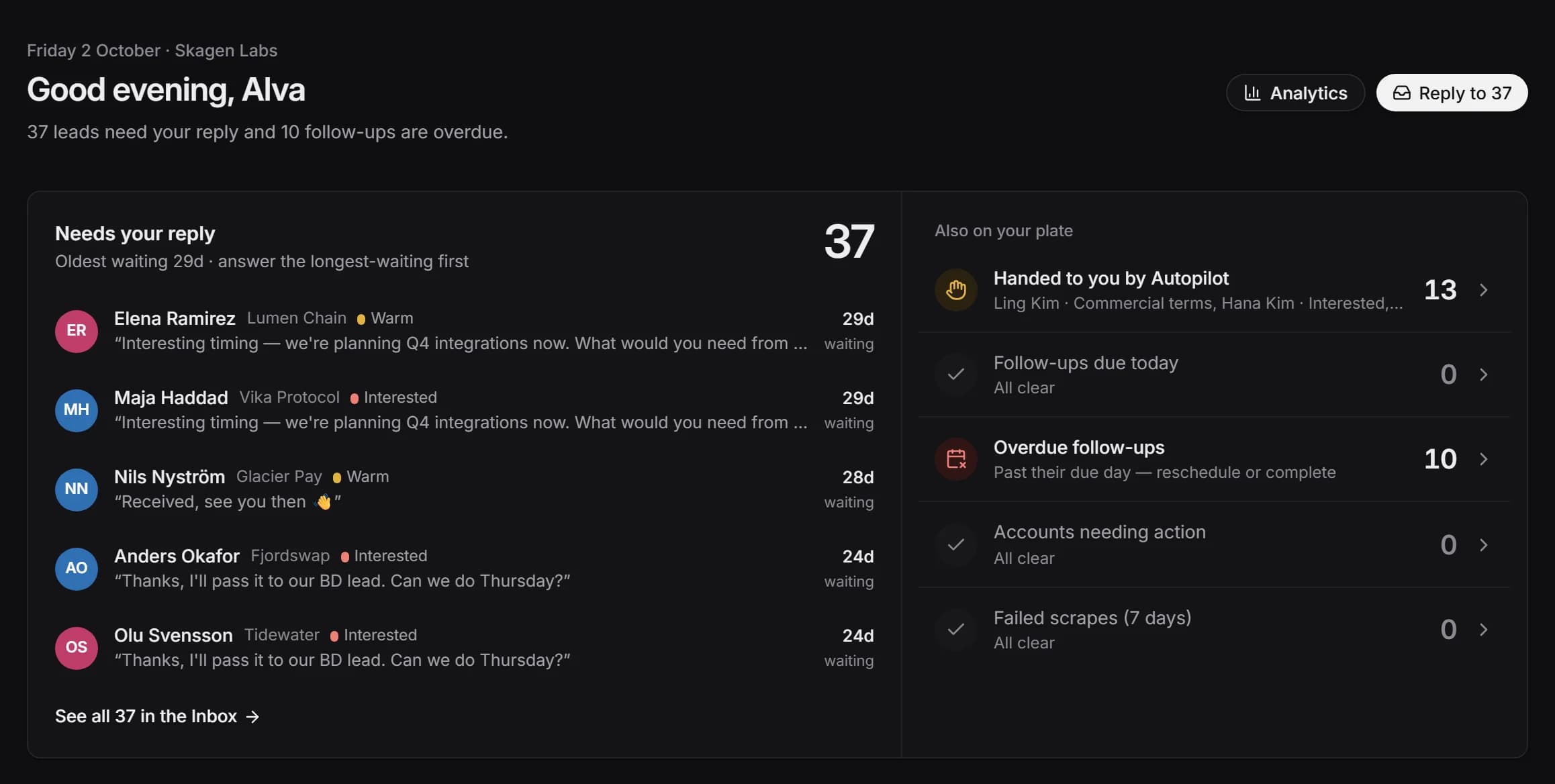
The dashboard starts with the replies you owe, oldest first, next to follow-ups due today and anything Autopilot handed to you.
Start with one group link.
Create a workspace, load sample data and run a campaign on simulated accounts before you connect a real one. Free while in beta.